
Smart Corner: Your Guide to Buying Home Essentials with Ease, Quality, and Convenience
16 July, 2025
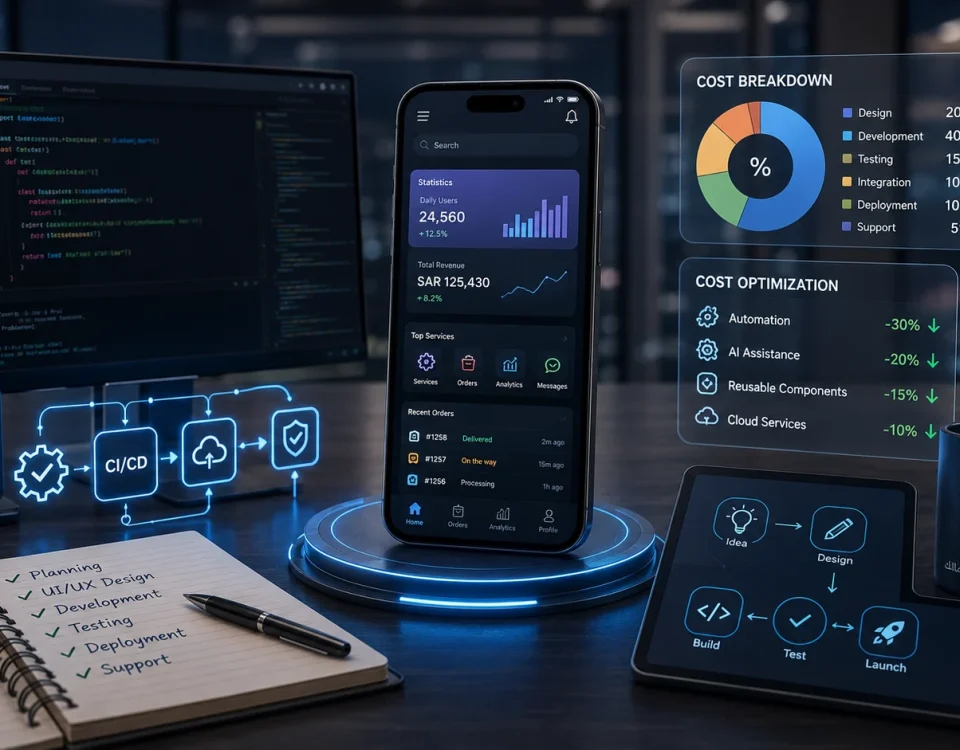
How to Use Smart Notifications to Increase In-App Sales
19 July، 2025

E-Commerce Store App Design
As e-commerce continues to grow, having an Online store app has become essential for any business looking to expand and increase sales. Apps make shopping easier and faster, and help build stronger relationships with customers.
In this article, we’ll walk through the steps to creating a successful e-commerce app, from planning to launch, along with the best tools and practical tips.
✅ First: Define Your E-commerce Store’s Goals
Before any design or development, you need to define the app’s goal.
اسأل نفسك:
- Is the store for selling physical products, digital products, or services?
- Who is the target audience? (Their age, country, and shopping habits)
- Will it work only as an app, or will it also be connected to a website?
🧠 Second: Choose a Business Model
Examples of business models:
- B2C: A store that sells directly to customers (such as Noon or Amazon)
- B2B: Wholesale or business-to-business sales
- Marketplace: A platform that lets multiple sellers list their products
- Choosing the right model helps you define the app’s core features.
📝 Third: Define the App’s Core Features
Key features of a successful online store:
| الوظيفة | الوصف |
|---|---|
| تسجيل الدخول | Personal user account |
| تصفح المنتجات | Lists, filters, and categories |
| Shopping Cart | Add/remove products |
| Electronic payment | Via Visa, Mastercard, Apple Pay, or PayPal |
| تتبع الطلبات | Track shipment status |
| Notifications | Notifications about offers or order status |
| دعم العملاء | Live chat or contact form |
| Ratings and reviews | Customer reviews of products |
✍️ Fourth: Design the User Interface (UI) and User Experience (UX)
E-commerce store interface design tips:
-Simple, organized design
-Colors that match the store’s brand identity
- Clear, easy-to-use buttons
- Fast loading speeds
- Design tools:
Figma
Adobe XD
Sketch
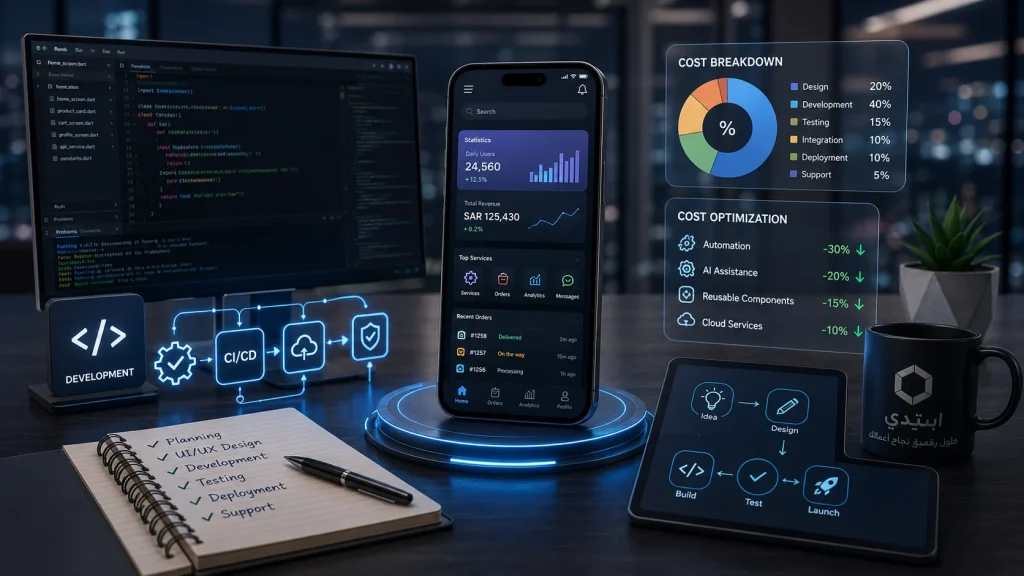
🧱 Fifth: Develop the App
Development options:
-Native: Custom development for each platform (Swift for iOS, Kotlin for Android)
-Hybrid: A single app that runs on multiple platforms using technologies such as:
-Flutter
-React Native
أدوات مهمة:
-Firebase (for storage and notifications)
-Stripe أو Paymob أو PayPal SDK (for online payments)
-Google Maps API (for location services)
🔒 Sixth: Secure the App
-Encryption of payment and user data
-Protection against attacks (such as XSS or SQL injection)
-Two-factor authentication (2FA)
🧪 Seventh: Test the App
تأكد من:
-Bug-free app
-سرعة الأداء
-Support for all screen sizes
-Ease of use
أدوات اختبار:
-TestFlight (لـ iOS)
-Firebase Test Lab
-BrowserStack
🚀 Eighth: App Deployment
1. Google Play Store:
-Register as a developer ($25 one-time fee)
-Upload the app in APK or AAB format
-Write a description, add images, and keywords
2. Apple App Store:
-Enroll in the Apple Developer Program ($99 per year)
-Upload the app using Xcode or Transporter
-Comply with Apple’s strict requirements
📢 Ninth: Marketing and Follow-Up
-Use Social media وGoogle and Meta ads
-Improve your visibility in app stores using ASO
-Use Google Analytics وFirebase لتحليل الأداء
💡 نصائح سريعة:
| النصيحة | Benefit |
|---|---|
| Focus on the user experience | Ease of use leads to more sales |
| Monitor app performance | Improve the interface and features based on data analysis |
| Offer multiple payment methods | To reach a broader customer base |
| Update the app regularly | to add improvements and fix issues |
🏁 Summary
A successful online store app relies not only on the quality of its products, but also on the user experience, appealing design, and ease of use. Whether you’re starting from scratch or have an existing store you want to turn into an app, Start Company we provide all the technical and consulting support you need to design a professional online store app.
📞 Contact Us Now Start your project with clear steps and tangible results.