
All Types of Cars… in One Place
13 July، 2025
How to Design a WordPress Website
14 July, 2025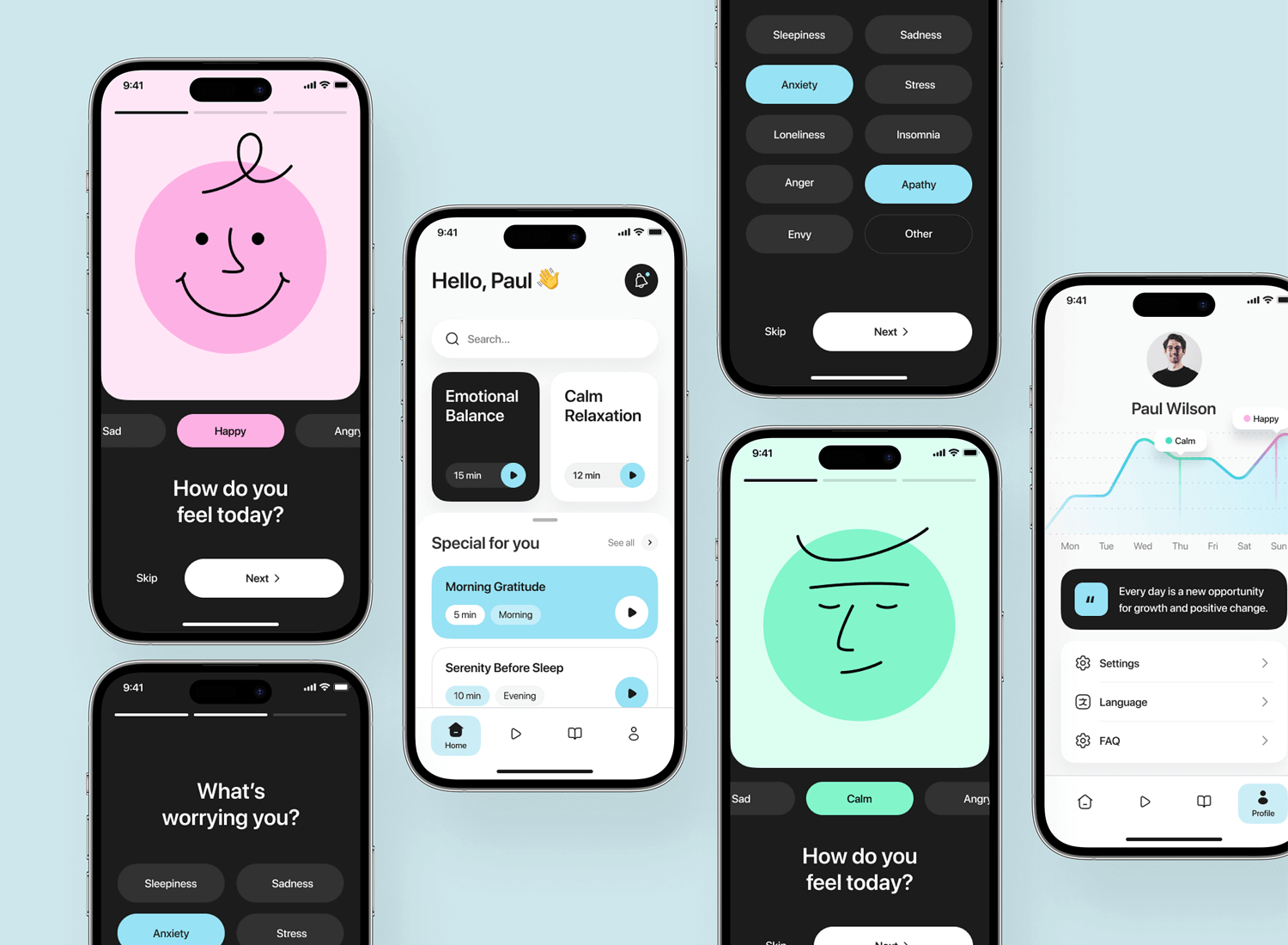
Mobile Apps | As Apple devices become increasingly popular around the world, developing iPhone apps has become a major opportunity for developers and entrepreneurs. But designing
a successful iOS app isn’t just about writing code. It starts with a clear idea, an engaging design, and a seamless user experience—and ends with an app available on the App Store.
In this article, we’ll explore every stage of designing iPhone apps professionally.
✅ First: Define the App Idea
Every successful app starts with a clear idea.
اسأل نفسك:
Who is the target user? (Students? Employees? Business owners?)
What problem does the app solve?
Are there similar apps? If so, how can you stand out from them?
أدوات تساعدك:
يحث في App Store
-Google Trends
-App analytics platforms such as Sensor Tower أو App Annie
✏️ Second: Design and map out the user experience (UX) and interface (UI)
-رسم Wireframes:
Start by sketching the core screens, using pen and paper or digital tools.
User Interface (UI) Design:
-Keep the design simple (minimal design)
-Follow Apple’s guidelines for layouts, buttons, and menus
Best design tools:
-Figma
-Sketch
-Adobe XD
🧱 Third: Choosing Development Tools
iOS apps require specific tools:
1. لغة البرمجة:
-Swift (The official, high-performance language)
-أو Objective-C (Older and less commonly used today)
2. بيئة التطوير:-
-Xcode (Apple’s official tool for developing iOS apps)
3. Supported operating systems:
Choose the oldest iOS version you’ll support (for example, iOS 14 or iOS 15) to reach the largest number of users.
🛠️ Fourth: App Development
ابدأ بتطوير الوظائف الأساسية أولاً (MVP – Minimum Viable Product).
Examples of core features:
-تسجيل الدخول
- Home page
- Connect to API servers
-Local or iCloud storage
مكتبات مساعدة:
-Alamofire (للشبكات)
-Firebase (for storage, analytics, and authentication)
-Realm (for databases)
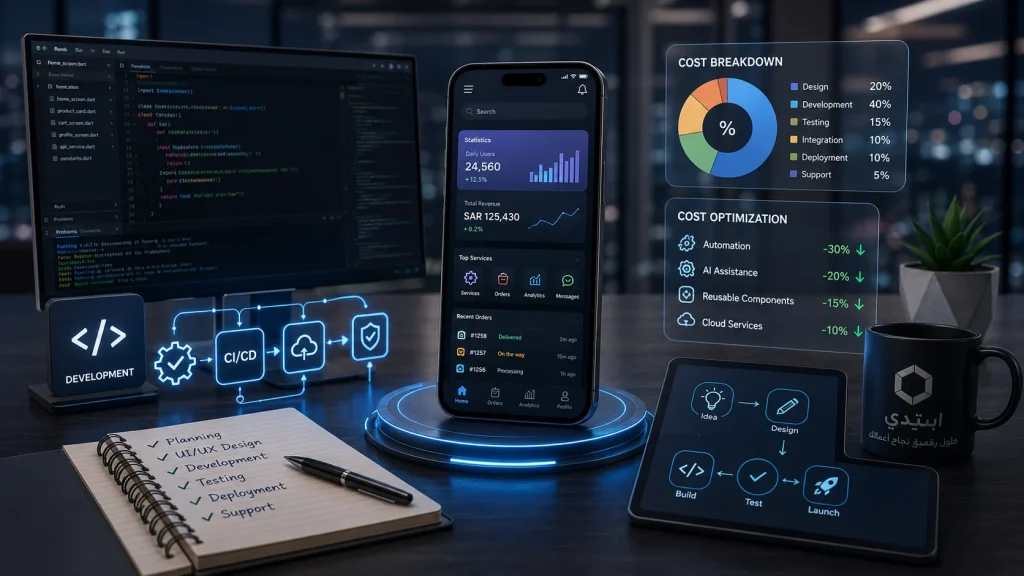
🧪 Fifth: App Testing
Before publishing the app, make sure to test it thoroughly.
Types of tests:
- Manual Testing
- Automated Testing (Unit Tests)
- Performance and Speed Testing
أدوات مفيدة:
- XCTest (included with Xcode)
- TestFlight (to test the app with real users)
🚀 Sixth: Publishing on the App Store
الخطوات:
- Join the Apple Developer Program ($99 per year).
- Prepare the app icon, screenshots, description, and keywords.
- Upload the app using Xcode or Transporter.
- Submit the app to Apple for review.
- Track the submission status and wait for approval.
ملاحظات:
- Apple is very strict during the review process.
-Make sure the app is stable, easy to use, and compliant with Apple’s guidelines.
📈 Seventh: After Launch
تحسين التطبيق:
-Monitor user ratings and read their feedback.
-Fix issues and release updates regularly.
تحليل الأداء:
Use tools such as:
-Firebase Analytics
-App Store Connect Analytics
التسويق:
-Create a simple website for the app
-Promote on social media
-Use App Store Optimization (ASO)
🏁 خلاصة
Designing iPhone apps requires careful planning, powerful tools, and a genuine focus on the user experience. Whether you're an independent developer, have an idea, or are considering working with Start Company, following the right steps from concept to launch is the key to success. Don’t hesitate to get started on your app—start small and improve it gradually.
Have an app idea and want to get started? Contact Us now, and let us help turn your idea into a successful, standout app on the App Store.