
The Success Story of the Indian Man at the Helm of Google
26 September، 2018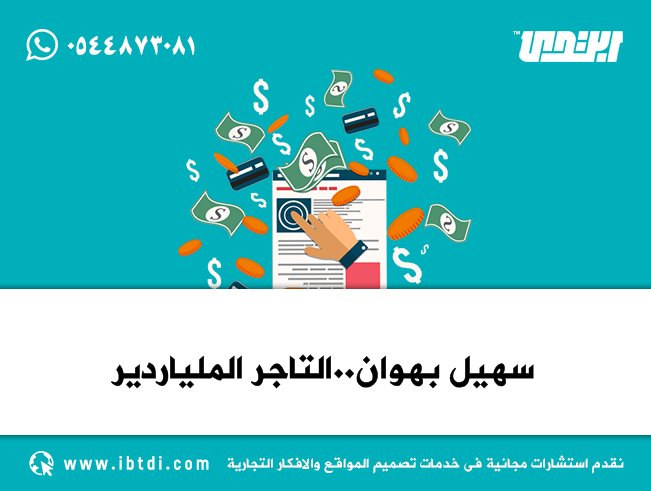
Suhail Bahwan: The Billionaire Businessman
29 September، 2018
Massive data breaches, marketers tracking your every move online, and suspicious people browsing the photos you’ve shared on social media.
—and more. Still, you can protect yourself: you’re in control of your data. Here’s how to improve your online privacy.
.
Check your social media privacy settings
If you have social media accounts, these platforms hold a lot of information about you, and you may be surprised by how much of your data is visible to anyone
online. That’s why we strongly recommend checking your privacy settings: it’s up to you to decide what information you want to share.
With strangers, with your friends—or with no one but yourself. Change your social network account’s privacy settings. Here’s how to do it in
Facebook و Twitter و LinkedIn و Instagram و Snapchat .
.
Don’t use public storage platforms to protect your private information
The risk isn’t limited to Social networks. So don’t use online services designed for sharing information to store your private data. For example,
Google Docs isn’t an ideal place to store a list of passwords, and Dropbox isn’t the best place to save your passport—unless
it’s stored in an encrypted archive. Don’t use public sharing services to store your private data.
.
تتبع التهرب
When you visit a website, your browser reveals a range of information about you and your browsing history. Marketers use this information to build a profile of you
and target you with ads. Incognito mode can’t actually prevent this kind of tracking; you need to use special tools. Use private browsing in to prevent
online tracking
.
Keep your primary email address and personal phone number private
Your reward for sharing your email address and phone number? Tons of spam in your inbox and hundreds of
marketing calls on your phone. Even if you can’t avoid sharing this information with online services andOnline stores , don’t share it with people
Random people on social media. Create a separate email address you can discard and, if possible, use a separate phone number for these situations. Create
an additional email account and buy an extra SIM card to use for online shopping and other situations that require you to share your personal information.
مع الغرباء.
.
Use messaging apps with end-to-end encryption
Most modern messaging apps use encryption, but in many cases, what they call encryption in transit means messages are decrypted by the provider and stored on its servers. What if someone hacks those servers? Don’t take that risk—choose end-to-end encryption. This way,
even the messaging service provider can’t see your conversations. Use a messaging app with end-to-end encryption—for example,
Note that Facebook Messenger, Telegram, and Google Allo don’t use end-to-end encryption by default. To enable it,
WhatsApp ؛
لاحظ أنه بشكل افتراضي ، لا يستخدم Facebook Messenger و Telegram و Google Allo التشفير من النهاية إلى النهاية. لتمكينه ،
Start a secret conversation manually.
.
Use strong passwords
Using weak passwords to protect your private information is like shouting that information to passersby. It’s nearly impossible to remember long passwords
that are unique to every service you use, but with a password manager, you only need to remember one master password. Use long passwords
(12 characters or more) everywhere;Use a different password for each service.
.
مراجعة أذونات لتطبيقات الجوال وملحقات المستعرض
Mobile apps ask you to grant them permission to access your contacts or files in your device storage, and to use your camera, microphone, location
and more. Some apps genuinely can’t work without these permissions, but others use this information to build a profile of you for marketing (or worse). Luckily,
it’s relatively easy to control which apps are granted permissions. The same goes for browser extensions, which can also have a tendency to spy. Review
the permissions you grant to mobile apps.
Don’t install browser extensions unless you really need them. Carefully check the permissions you grant them.
.
Secure your phone and computer with passwords or passcodes
Computers and phones store a lot of data we’d prefer to keep private, so protect them with passwords. You can make improvements such as:
Use six-digit PINs or actual passwords instead of four-digit PINs and screen-lock patterns. For devices that support biometric authentication,
such as fingerprint scanning or facial recognition, that’s generally a good option—but remember that these technologies have limitations.
.
Disable lock screen notifications
Protect your phone with a long, secure password, but don’t leave notifications on the lock screen! To prevent this information from appearing on the locked screen, you can set up
Notifications are working correctly.
.
Protect your privacy on Wi-Fi networks
Public Wi-Fi networks typically don’t encrypt traffic, which means anyone on the same network could try to spy on your browsing activity.
Avoid transmitting any sensitive data, such as login details, passwords, credit card information, and so on.