
What Makes a Great Logo, and Why Your Business Needs One
22 January
What Is a Chatbot? A Beginner’s Guide to Chatbots
30 January، 2023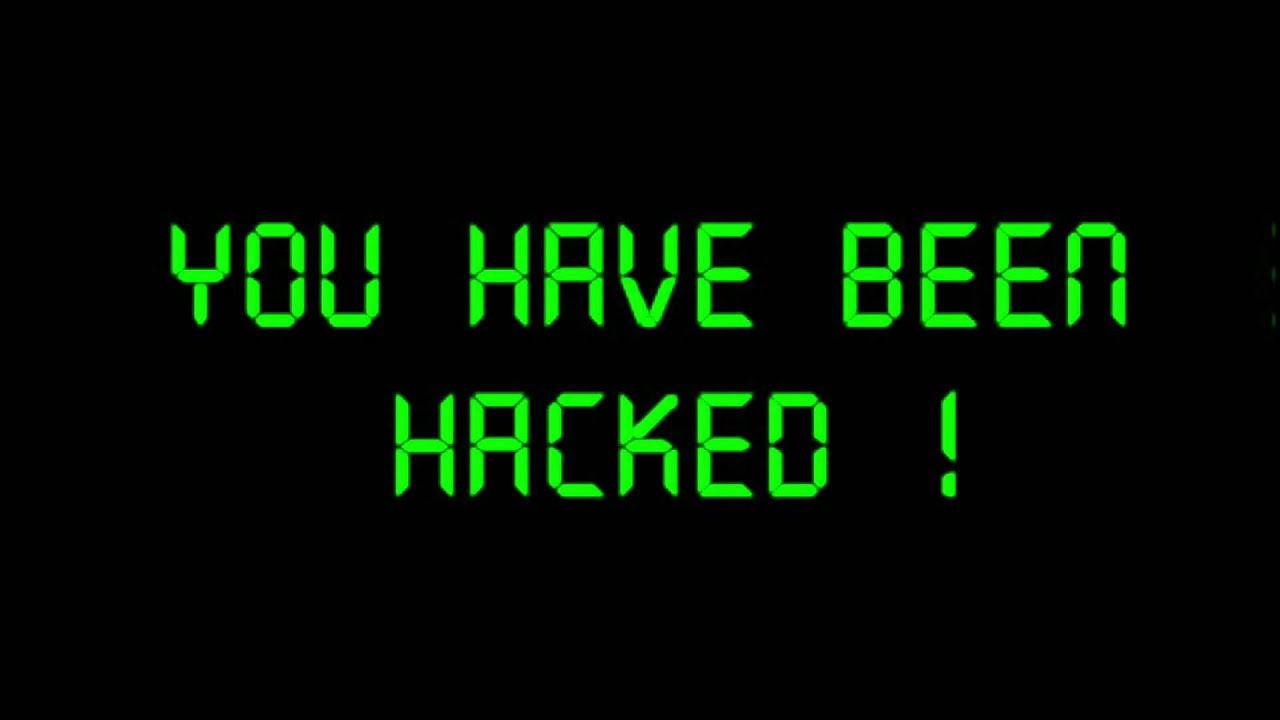
Has Your Website Been Hacked? What Should You Do?
Website Hacked | Discovering that your website has been hacked can be alarming. How did they breach
your security?
Why did they do it? What did they steal? What will your customers think? Despite all the thoughts racing through your mind, it’s
important to try to stay calm.
Hacking happens far more often than you might think. The Sophos Security Threat Report says that about
30,000 websites are hacked every day, which is why it’s so important to have the right security setup
to protect your website. However, if your website has already been hacked, you still have
plenty of options for saving it.
.
How to tell if your website has been hacked:
Before you can do anything about a compromised website, you need to confirm that it has actually been hacked. Sometimes, hackers take over a website and display a different homepage that’s easy to spot. More often, though, automated hacking bots simply inject your website with malicious code that’s difficult to detect with the naked eye.
Your first line of detection should be a malware scanner such as the one offered by Sucuri, a company that cleans up hacked
websites and also offers protection plans. If you use the free SiteCheck scanner, it will give you a clearer idea
of whether your website has been hacked. However, because its tools are free and remote, they can’t
guarantee 100% accuracy.
.
Google’s Safe Browsing status can also give you an idea of your website’s status from a malware
perspective. Of course, one potential downside of using a Google tool is that you’re essentially telling them your site contains
with harmful content, which will temporarily damage your rankings and organic search traffic.
Another sign of potential problems with your website is a sudden spike in unusual
activity. Check your website for unusual traffic spikes or an unusual volume of messages
being sent to or from your website. Visitors from random parts of
the world can also be a clear sign of hackers. For example, if you run a small business in Toronto but notice a surge
in visitors from Russia, you may want to scan your website.
If you’re familiar with code, you can check your website files yourself. It can be tedious and difficult,
but with a keen eye, it’s possible. Most hackers target website code through .htaccess files,
PHP files, and media files, so focus your search on these areas first.
.
For the best chance of detecting and removing malware from your website, you may want to consider
a professional service such as SiteLock. SiteLock scans your website every day and alerts you to intruders and potential vulnerabilities.
SiteLock also fixes the issues it finds. SiteLock comes at a price, but it’s one of the best
Ways to protect your website. If you collect user or customer data, or accept payments on your website
a service like SiteLock is essential.
.
How to fix your hacked website
Once you confirm that your website has been hacked and/or contains malware, you need to act quickly. The first thing
you’ll want to do is change all your passwords. If a hacker gained access to your website,
it may mean they’ve compromised your password. This is especially concerning if you use the same password for multiple places
multiple. Make sure to change all your passwords, or you risk being hacked again.
If you have an automatic website backup, now is a great time to put it to good use. Automated
website backups continually save copies of your website. You can simply restore
your website to a version from before any malware was introduced into its files. Once your files are clear
of any intruders, you can fix any security vulnerabilities on your website and strengthen its security so the intrusion doesn’t happen
مرة أخرى.
.
If you don’t have a pre-hack backup of your website, your business has ground to a halt. While you can
Finding some instances of malware by searching through your website files yourself, then removing them manually,
is a major challenge. To make sure your website is free of malware, you’ll need some kind of software
or professional help to scan your website.
.
Both of the companies mentioned earlier, SiteLock and Sucuri, can take care of removing malware from your website files
for a fee. They’ll back up your website, then comb through every site file (sometimes hundreds) looking for code
malicious. Once the code is removed, they’ll reload a clean version of the file.
They’ll also contact Search engines to make sure that even though your website contains
malicious code, it hasn’t been blacklisted by any of them. It can be difficult to get off a search engine’s blacklist
—another reason why securing your site before disaster strikes is worth the cost.
.
Hackers send bots across the internet to search for vulnerabilities on websites large and small. One
The latest government cybersecurity breach surveys found that 74% of small businesses reported a security breach in the past year.
Unfortunately, breaches are unavoidable in today’s world, which is why it’s important to be prepared with the right detection and security software
so that if it happens to you, you can quickly and effectively eliminate the threat.