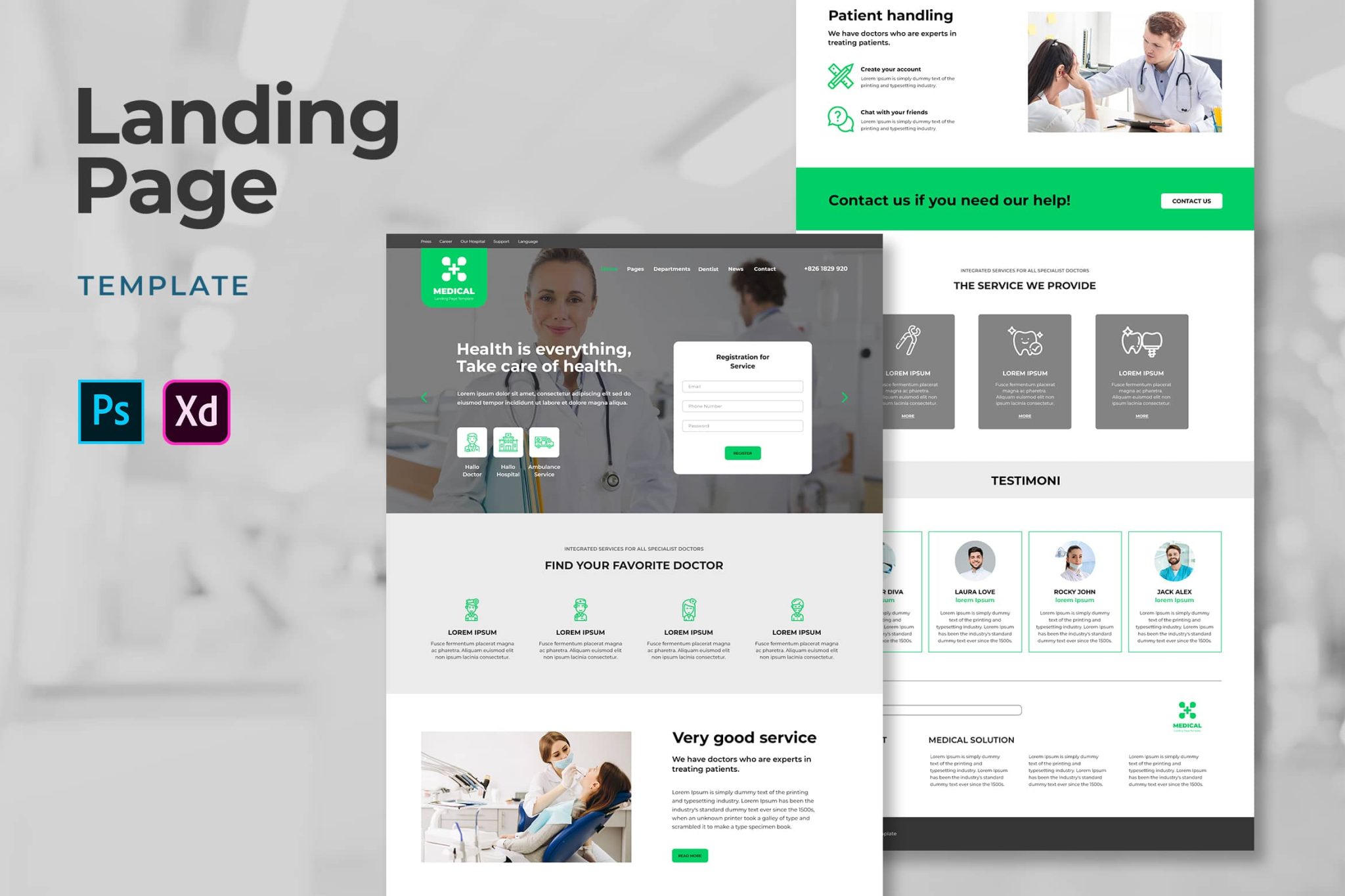
6 Practices That Destroy Your Website’s Landing Page—Find Out What They Are
2 January، 2022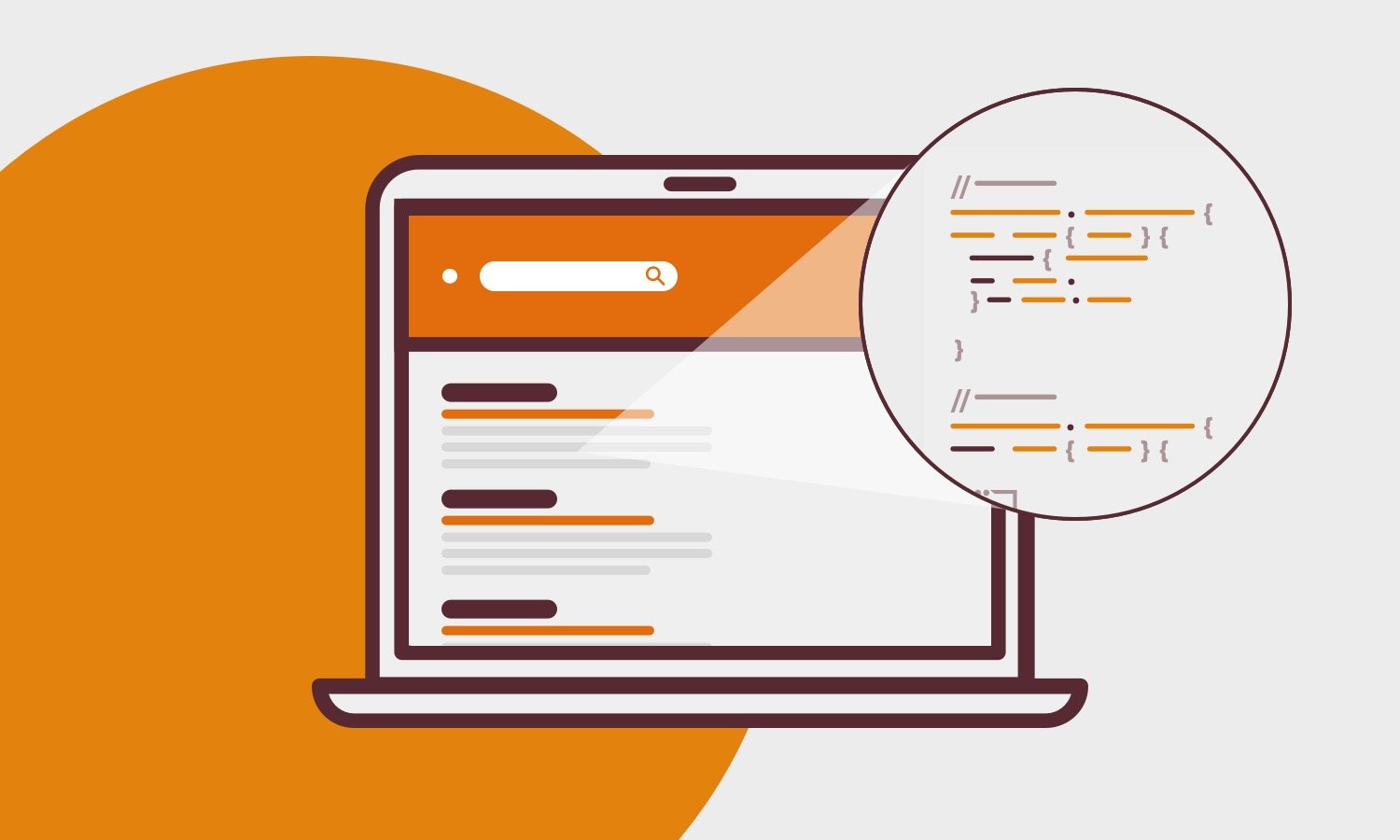
وصف الميتا – ما هو وكيف يمكن أن يساعدك في زيادة ظهورك علي الويب✅
3 January، 2022[lwptoc skipHeadingLevel=”h3″]
Create a website | Thousands of pages are created every day on a wide range of topics. Their developers use different methods
to attract as many users as possible and achieve high conversion rates. However, not all of their methods are successful.
Fortunately, most good websites have a few things in common that you should keep in mind when Create a website.
A few proven tips are all it takes to keep your website effective and fast, and deliver the expected results. What are these tips?
You’ll find out in this article.
11 نصيحة ستساعدك في إنشاء موقع ويب فعال
Below is a list of tips to help you Create a website meet its goals and delight users.
إنها تتعلق بكل مرحلة من مراحل تنفيذ المشروع – من النماذج الأولية للموقع إلى نشره. التزم بها ولن تضيع نتائج عملك!
Create the Initial Website Design
There are several ways to create an initial design when building a website. Some people sketch everything on paper
or create a mockup using tools like Figma. The specific technique matters less here; the most important thing is to create
a project like this. It will give you a better idea of how much space is being used, how best to arrange
الأقسام الفردية من الموقع بشكل أفضل وكيف “تعيش” الفكرة في رأسك. نادرًا ما يتضح أن المفهوم الأول يصبح
the perfect one right away. Website planning involves many changes, compromises, and deliberate decisions,
so creating an initial design saves a lot of time and helps you see everything more clearly from the user’s perspective.
This website design also allows for better, more precise planning of the entire site map. It will be easier to create
for you to determine the best places for users to navigate to other subpages and how to organize everything in a visual
and easily accessible way.
Define the Page’s Audience and Purpose
This is one of the most frequently repeated tips on our blog!
Before you actually start building your website, ask yourself a few basic questions:
من هو جمهورك؟
What will they be looking for on the website?
What is its primary goal?
The answers to these questions will help you avoid many later page redesigns due to low traffic.
For example, if the website’s main purpose is to sell products, you should focus
on issues such as presenting products effectively, making the price list easy to find, offering different payment methods, and streamlining the purchasing process
and so on.
Ask yourself these questions and give them a precise, well-considered answer. This will help you choose the right direction at every stage of
Stages of your business. You’ll need something different for an art gallery website than for a sneaker store. A one-size-fits-all website is a myth,
and targeting the widest possible audience with different needs and goals won’t bring you high traffic or conversion rates.
Research your competitors’ websites
Think about your website’s topic and look at your potential competitors. Pay attention to what your website الخاص
they look like, what they feature, and how they communicate. This way, you’ll find inspiration and learn about
what works and what doesn’t. However, don’t try to do exactly the same thing as everyone else. The idea is to
Research and gather as much valuable information as possible, which will be useful later when building a website.
As you research, consider what type of content is right for you. Will you focus on text, or would you like to include more
interactive content? Always remember to optimize all content to help speed up page loading and improve the display of
graphics or video assets (ideally under 100 KB and in WebP format). The Insights tool
Page Speed will show you how fast your website is right now and which errors need to be fixed.
لتحسين نتائجه.
You may also be interested in:How to Create an Educational Academy
Use relative positioning
Using relative positioning allows search engines to quickly understand your content because all the elements are connected
to one another. The opposite is true of absolute positioning. Since the elements aren’t connected, search engines
have trouble understanding the context of the content. They can’t tell whether a heading relates to an image or to the text. That’s why you
should use absolute positioning with care.
Place the most important content above the fold
This is based on the idea that the most important information should come first. The rest of the content should then be placed
“الأقل أهمية”. هذا القسم المحدد من الصفحة له اسمه ويسمى “الجزء المرئي من الصفحة”. يصف هذا المصطلح
جزء الصفحة الذي يراه المستخدم أولاً. لتوضيح الأمر بشكل أكثر وضوحًا – إنه الجزء المرئي من الصفحة بدون “تمرير”.
في قسم “الجزء المرئي من الصفحة” ، يتم وضع المحتوى الأكثر قيمة للمستلمين (ومحركات البحث). هناك ، على سبيل
this might include hero images, the most important keywords, menus, and call-to-action buttons.
ما مدى أهمية “الجزء المرئي من الصفحة” حقًا؟ بالنسبة للمستخدمين ، هو المكان الذي يقرر في معظم الحالات البقاء
on a particular page or leave. This section needs content that grabs their attention and convinces them they’ll find useful information
القيمة هنا. في المقابل ، بالنسبة إلى روبوتات محركات البحث ، “الجزء المرئي من الصفحة” هو مكان يُعلمهم
about the content and topic of the page.
هل يعني هذا أنه يتعين عليك وضع أكبر قدر ممكن من المحتوى في “الجزء المرئي من الصفحة”؟ لا! إنه مكان
where you should place only the most important content. However, choose carefully, because if you overdo it,
your actions may backfire more than expected. Google penalizes pages that place too many
كبير جدًا من الكلمات الرئيسية أو الإعلانات في “الجزء المرئي من الصفحة”. ما الذي يستحق إذن وضعه في
“الجزء المرئي من الصفحة”؟
Call-to-action buttons
-الرسم
-H1 (رأس)
-Internal links
-نموذج الاتصال
-Top keywords
You may also be interested in:Why Do Companies Prefer WordPress? 4 Reasons
Create well-crafted URLs
When creating a website, always think carefully before choosing a URL name. You can change it later in urgent situations.
Only when necessary. Why?
بتغيير اسمه ، سيصبح عنوان URL السابق غير نشط في نفس الوقت – إدخال العنوان القديم في محرك البحث ؛
You’ll get a 404 error. You’ll then need to make sure users are redirected quickly and correctly to the new URL
from all subpages that previously linked to the old URL.
Also check whether the words in the URL clearly indicate where it leads and what content
users can expect to find on the page they land on. You can also include keywords that matter to you.
However, remember not to create URLs that are too long or unclear.
Share files and content with search engine bots
Make sure search engine bots can access the files JavaScript and CSS files, images, and other
content on your page. Remember, they access it as anonymous users. If you don’t grant them this access, it will be
difficult for your website to be found, or its SEO performance will be very poor. You’ll also miss an excellent opportunity to monitor
statistics about your website.
Search engine bots need access to your page to understand what it contains and which user queries it answers
to. Without this access, it will be difficult for your site to appear in search results for any keyword. Here you can see
How Google sees your site and whether the entered URL is indexed.
Remember responsiveness
عند Creating a website , you can’t overlook responsiveness. Today, it’s essential. Your website should look good on all mobile devices. Ideally, you should create the mobile and desktop versions of the site
at the same time, rather than building the mobile version as a separate project.
وقت واحد وعدم إنتاج نفس الموقع في إصدار الهاتف المحمول كمشروع جديد.
Before publishing or updating any release, make sure everything looks as it should. From time to time, you may need to manually fix issues such as text
that appears distorted or buttons CTA that are in the wrong place.
You may also be interested in:5 Reasons Why Launching Your Website Is a Project That Never Ends
Build appropriate links
Check that the links on your website are valid and working Links from time to time. Make sure they lead to
the correct URLs and are easy to find. Pay particular attention to whether there are any outdated or broken links anywhere.
on your website. If you notice a situation like this, be sure to remove or replace the incorrect link as soon as possible.
Also remember to make sure that mobile redirects lead to the mobile version of each
subpage. Some Links mobile versions may redirect to the desktop version of the website, so
it’s essential to make sure this isn’t happening.
اجعله مرئي
Everything on your website should be visible and easy to access. First, check that the line
and the states you select are readable on any device. Second, make sure all content is accessible to users. Check whether
graphics are clearly visible (and can be enlarged) and whether published videos play without any issues.
If your website includes content from external sources, such as YouTube videos, check
regularly to make sure it is still available and contains the same content.
You may also be interested in:6 Practices That Destroy Your Website’s Landing Page—Find Out What They Are
Check the website in other browsers
Even if more than half of your users use the same browser you do, regularly check whether
your website displays correctly in other browsers. For example, some
Browsers have trouble displaying certain content. If you have, for example, a website in multiple languages , you should remember
that the popularity of individual browsers varies by country.